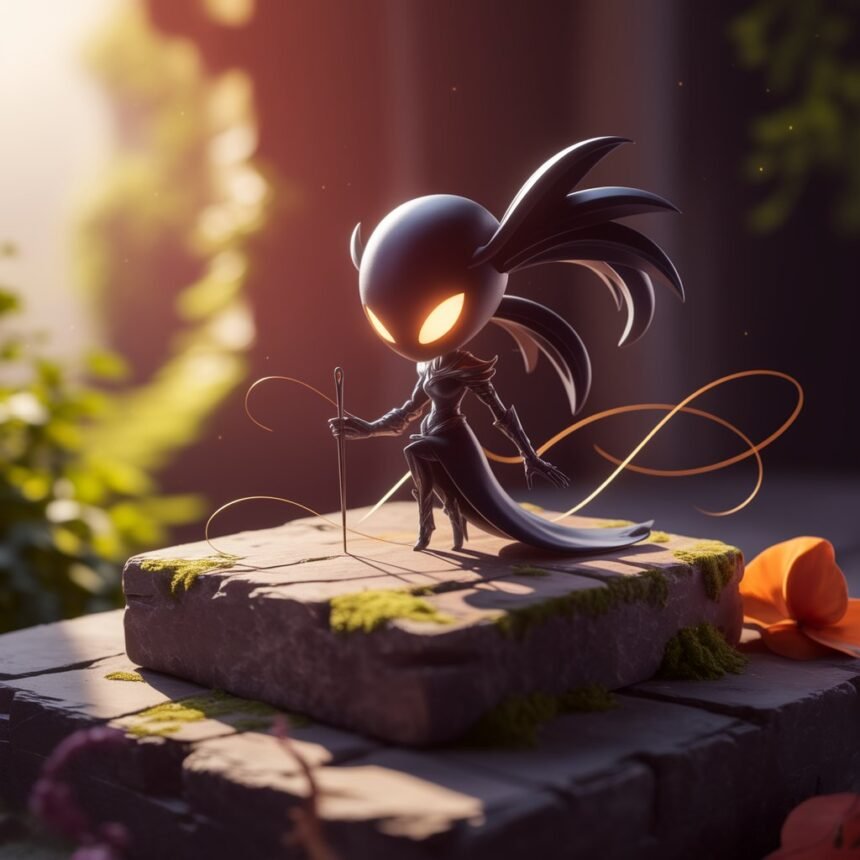
The Hollow Knight Silksong mouse cursor has become an interesting customization option for fans who want to bring the visual style of Team Cherry’s Hollow Knight: Silksong to their desktop or browser. Instead of using the standard Windows pointer, fans can choose custom cursor designs inspired by Hornet, Silksong, the Knight, weapons, symbols, and the visual style of Hallownest. Several fan-created cursor collections are now available online, including complete Silksong-themed cursor sets containing normal, help, text, busy, precision, resize, and other pointer types. One Silksong cursor set published in April 2026 includes multiple .cur and .ani files and is released under a public-domain license according to its creator’s listing.
For people searching for a Silksong cursor for PC, there are several ways to customize the pointer depending on whether the goal is to change the Windows system cursor or simply create a Hollow Knight-themed pointer while browsing the web. Browser extensions can provide quick customization, while downloadable .cur and .ani files can be installed through Windows mouse settings. There are also individual Hornet cursors and complete themed packs available from fan-created cursor websites. Understanding the difference between these options makes it easier to find a cursor that matches your preferred style without confusing a browser-only cursor with a system-wide Windows cursor.
What Is a Hollow Knight Silksong Mouse Cursor?
A Hollow Knight Silksong mouse cursor is a custom mouse pointer inspired by the characters, artwork, symbols, and atmosphere associated with Hollow Knight: Silksong. Instead of the normal Windows arrow, the pointer can be replaced with a themed design. Depending on the cursor pack, the collection may contain different pointers for different Windows functions, including normal selection, text selection, link selection, working in the background, unavailable actions, resizing, moving, and other states.
The availability of multiple cursor types is particularly useful because a complete cursor theme can make the desktop feel more consistent. A cursor pack listed on RW-Designer, for example, contains normal, help, busy, text, handwriting, unavailable, vertical, horizontal, diagonal, move, alternate selection, link selection, location, and person-selection cursors. Another Silksong-themed collection includes stylized normal, help, precision, text, writing, busy, and resizing cursors. This means users can choose either a single Silksong mouse pointer or a larger collection that changes several Windows pointer states.
Where to Find a Silksong Cursor
There are several sources for Hollow Knight Silksong cursors, and the type of source you choose depends on how you intend to use the cursor. Dedicated cursor websites such as RW-Designer provide downloadable cursor sets containing .cur and .ani files. These collections can be useful for Windows users who want to install the cursor directly through the operating system. One published Silksong set contains a full collection of cursor files and was listed as public domain by its creator.
Individual cursor files are also available. For example, a Silksong-style writing cursor published on RW-Designer is available as a .cur file and is described as being inspired by assets from Hollow Knight: Silksong. Fans looking specifically for Hornet cursors can also find individual Hornet-themed designs and complete Hornet cursor sets. A Hornet cursor listing on Cursor.cc, for example, provides a downloadable cursor and instructions for using it on websites. When downloading any third-party cursor, users should check the source, license information, file type, and reputation of the website before installing anything.
How to Install a Hollow Knight Silksong Cursor on Windows
Installing a Hollow Knight Silksong mouse cursor on Windows generally involves downloading the cursor files and then selecting them through the Windows mouse-pointer settings. Cursor packs commonly use .cur for static pointers and .ani for animated pointers. A fan-made Silksong cursor project on GitHub recommends copying cursor files into the Windows C:\Windows\Cursors folder and then selecting them through the Mouse Properties pointer settings.
After downloading a cursor pack, locate the cursor files and keep them in a convenient folder. Windows users can open the mouse settings and access the traditional Mouse Properties window, where the Pointers tab provides options for changing individual cursor functions. From there, a downloaded .cur or .ani file can be selected for the relevant pointer category. The GitHub installation instructions describe using Windows settings to open Mouse Properties, selecting the Pointers tab, choosing a cursor under the customization section, and applying the change. Once the desired pointers have been selected, users can save the configuration as a cursor scheme so that the custom Silksong cursor is easier to reuse later.
Hollow Knight Silksong Cursor for Chrome and Browsers
A Hollow Knight Silksong mouse cursor can also refer to a browser-specific cursor rather than a Windows system cursor. Chrome extensions provide a convenient way to change the pointer while browsing websites without manually installing Windows cursor files. A Chrome Web Store extension titled Hollow Knight Cursor – Silksong Cursor Chrome offers cursor designs based on Hornet, the Knight, the Pale King, the Nail, and Silksong. Its listed features include customizable cursor size, favorites, and the ability to turn the custom cursor on or off.
Another Chrome extension offers more than 110 Hollow Knight-themed cursors, including designs based on the Knight, Hornet, Hollow Knight, Grimm, Radiance, charms, bosses, and other elements. The extension listing describes adjustable cursor sizes from 16px to 128px. Browser extensions can therefore be a convenient choice for users who want a Hollow Knight mouse pointer while browsing rather than changing the entire Windows cursor scheme. Before installing an extension, however, it is sensible to check its permissions, developer information, reviews, and current status in the Chrome Web Store.
Hornet Cursor and Silksong-Themed Designs
Hornet is one of the most recognizable visual elements associated with Hollow Knight: Silksong, so it is natural that many custom cursor designs focus on her appearance, weapons, and distinctive visual style. Fan-made cursor collections can range from simple static pointer designs to larger animated packs. One Hornet cursor collection published on RW-Designer includes separate files for Hornet, help, working, busy, and precision cursor states.
Other artists have created stylized Silksong mouse pointers using visual elements associated with the game. A Silksong stylized cursor collection published in April 2026 includes normal, help, precision, text, writing, busy, unavailable, and multiple resizing cursor files. These fan-made designs show that the search term Hollow Knight Silksong mouse cursor can cover many different styles rather than referring to one official cursor file. Users can therefore choose between a minimalist pointer, a Hornet-inspired design, a full Silksong cursor theme, or a browser extension containing multiple designs.
Things to Check Before Downloading a Silksong Cursor
Before downloading a Silksong cursor, it is important to check where the file comes from and what type of file you are downloading. Cursor files such as .cur and .ani are different from executable programs, and users should be particularly cautious if a website tries to make them download an unrelated .exe or other executable file simply to obtain a cursor. Checking the creator, license, file type, download information, and community feedback can help reduce unnecessary risks.
Licensing is another consideration when using fan-made Hollow Knight Silksong mouse cursors. Different creators can publish their work under different licenses. For example, one Silksong cursor collection on RW-Designer is listed under a public-domain release, while another stylized collection is listed under a free-art/copyleft license. If you plan to redistribute cursor files, use them on a commercial website, or include them in another project, read the creator’s stated license rather than assuming every fan-made cursor has the same permissions.
Frequently Asked Questions
Is there a Hollow Knight Silksong mouse cursor?
Yes. Fan-made Hollow Knight Silksong mouse cursors are available online in individual files and complete cursor sets. Several collections include different pointer states rather than only the standard arrow.
Can I use a Silksong cursor on Windows?
Yes. Windows supports custom cursor files such as .cur and .ani, and fan-made Silksong cursor projects provide instructions for selecting them through Windows Mouse Properties.
Is there a Hornet mouse cursor?
Yes. Fan-created Hornet cursors are available as individual cursor files and as larger cursor collections containing multiple pointer states.
Can I use a Silksong cursor in Chrome?
Yes. Chrome Web Store extensions are available that provide Hollow Knight and Silksong-themed browser cursors. One listed extension specifically includes Hornet, the Knight, Pale King, Nail, and Silksong designs.
Are Hollow Knight Silksong cursors official?
The cursor collections discussed above are fan-made creations, not evidence of an official Team Cherry cursor pack. The individual listings identify their respective creators, and a Silksong cursor project on GitHub explicitly describes its files as inspired by the game rather than original game files.
What file types are used for custom mouse cursors?
Windows commonly uses .cur files for static cursors and .ani files for animated cursors. Complete Silksong cursor packs may contain both types, depending on whether a particular pointer is static or animated.
Conclusion
The Hollow Knight Silksong mouse cursor is a simple way for fans to bring the atmosphere and visual identity of Silksong to a PC or web browser. From individual Hornet cursors to complete Silksong cursor packs containing multiple pointer states, there are several fan-created options available. Windows users can install compatible .cur and .ani files through the mouse-pointer settings, while Chrome users can choose from browser extensions that offer Hollow Knight and Silksong-inspired designs.
When choosing a cursor, consider whether you want a system-wide Windows cursor, a browser-only pointer, a single Hornet design, or a complete Silksong-themed cursor scheme. It is also important to check the creator and license before downloading or redistributing fan-made artwork. With the right cursor pack, fans can give their desktop or browser a distinctive Hollow Knight Silksong style while keeping the customization separate from the actual game itself.